
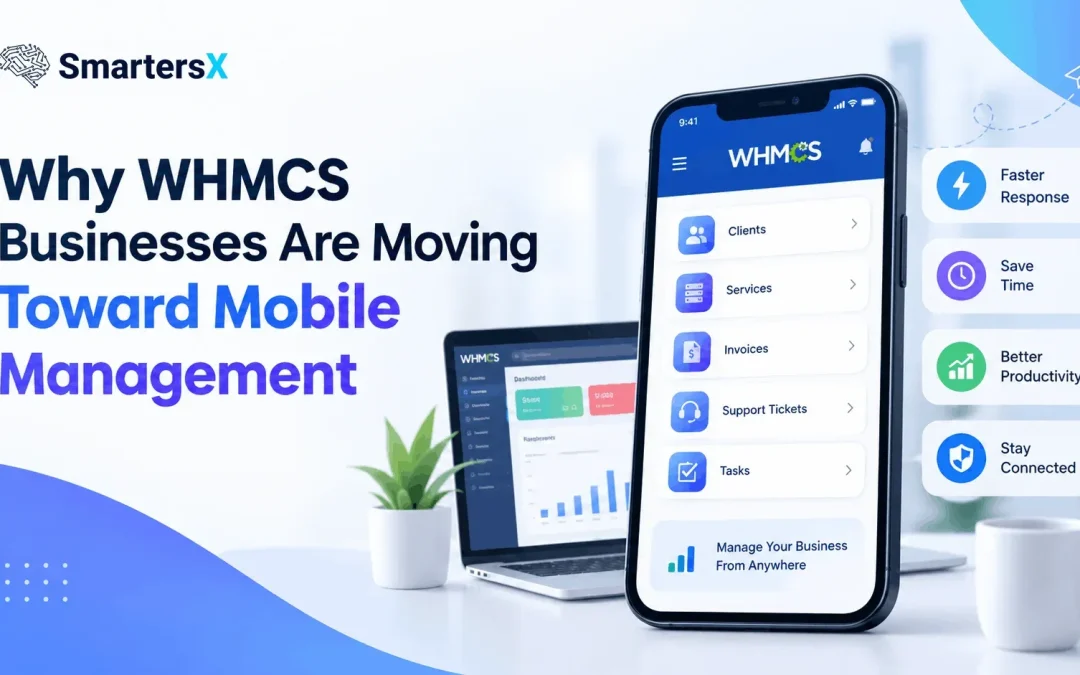
Running a WHMCS-based business no longer means sitting at a desk all day. Hosting companies, domain businesses, SaaS providers, and other subscription-based businesses often need to monitor orders, invoices, support requests, and customer accounts throughout the day. As these tasks become more time-sensitive, mobile WHMCS management is becoming an increasingly practical part of daily operations.
WHMCS already brings billing, provisioning, domain management, payments, and support into one platform. Mobile access extends that workflow by allowing administrators to handle selected business activities from smartphones and tablets.
But is mobile management always better than desktop management? Not necessarily. The real benefit depends on the tasks a business needs to perform and how its team works.
What Is Mobile WHMCS Management?
Mobile WHMCS management means accessing and managing WHMCS business operations from a smartphone or tablet rather than depending entirely on a desktop computer.
A mobile solution may provide access to tasks such as:
- Checking new orders
- Monitoring support tickets
- Reviewing customer accounts
- Creating or managing invoices
- Checking business activity
- Responding to customer issues
- Monitoring important notifications
WHMCS itself provides official mobile applications for Android and iOS, while its platform also supports APIs, hooks, and third-party integrations.
This creates a wider choice for businesses: they can use a traditional desktop workflow, an official mobile application, a mobile-friendly interface, or a third-party WHMCS mobile management solution.
Why Are Businesses Looking Beyond the Desktop?
1. Business Operations Don't Stop After Office Hours
Customers may place orders, make payments, or submit support tickets outside normal working hours. A business owner who is away from the office may still need to know what is happening.
For example, imagine a hosting company receives an urgent support ticket while its administrator is travelling. Waiting several hours until someone returns to a computer can slow down the response.
Mobile access can make it possible to review the issue immediately and decide whether action is required.
2. Faster Access to Important Information
A desktop dashboard can provide detailed information, but opening a laptop is not always convenient.
A mobile dashboard can be useful for quick checks such as:
- How many new orders arrived?
- Are there unanswered tickets?
- Did a payment-related issue occur?
- Which customer needs attention?
- Is there an important service update?
WHMCS's Admin Area itself provides access to information such as sales figures, support tickets, billing totals, and automation status. Mobile management brings the idea of quick access to a smaller, more portable screen.
3. Remote and Hybrid Teams Need Flexible Tools
Modern businesses may have administrators working from different cities or countries. A mobile-first workflow can reduce dependence on a particular workstation.
This can be particularly useful for:
- Business owners travelling between locations
- Technical teams working remotely
- Small hosting companies with limited staff
- Managers who need quick operational updates
- Support teams handling time-sensitive requests
For businesses operating across different time zones, this flexibility can be especially useful.
Mobile App vs Desktop WHMCS: What's the Difference?
Mobile management should not be viewed as a complete replacement for desktop WHMCS.
| Desktop WHMCS | Mobile WHMCS Management |
| Better for detailed administration | Better for quick actions |
| Larger screen | Portable access |
| Easier for complex configurations | Convenient for urgent tasks |
| Better for long work sessions | Useful for short sessions |
| Suitable for advanced reporting | Useful for monitoring and responding |
The desktop environment remains important for complex configuration, detailed reports, module settings, and tasks requiring significant screen space.
Mobile access is more useful when speed, availability, and convenience matter.
What Features Should a WHMCS Mobile Solution Offer?
Not every mobile management solution provides the same functionality. Before choosing one, businesses should examine the actual workflow rather than focusing only on the word "mobile."
Important Features to Consider
A useful WHMCS admin app or mobile management solution may include:
- Real-time business information
- Order monitoring
- Customer management
- Invoice access
- Support ticket management
- Sales and revenue visibility
- Notifications
- Secure administrator authentication
- Multiple administrator support
- Mobile-friendly navigation
Security is particularly important because mobile access may expose sensitive customer and business information.
Official WHMCS mobile apps, for example, require administrator credentials and API access, and they also provide a security PIN option.
The Pros and Cons of Mobile WHMCS Management
Advantages
Accessibility: Administrators can check important information without being tied to an office computer.
Faster responses: Support tickets and orders can be reviewed sooner.
Convenience: Routine checks can be completed during travel or between meetings.
Better visibility: Owners can stay informed about business activity throughout the day.
Limitations
Smaller screens: Complex administration can be harder on a phone.
Security risks: Lost devices or weak authentication can create additional security concerns.
Feature differences: A mobile solution may not provide every function available in the desktop Admin Area.
Internet dependency: Most mobile management workflows require a reliable connection.
For these reasons, mobile management works best as a companion to desktop WHMCS, rather than automatically replacing it.
Where SmartersX Fits Into Mobile WHMCS Management
As businesses look for more flexible ways to manage their WHMCS operations, solutions such as SmartersX focus on bringing business visibility and management closer to the user's mobile device.
The important idea is not simply putting WHMCS on a smaller screen. A useful mobile experience should prioritize the information administrators need most often and make common actions easier to access.
For a business owner, this could mean checking sales activity while travelling. For an administrator, it could mean reviewing a customer issue without opening a laptop. For a support team, it could mean responding to important requests more quickly.
You can explore SmartersX to learn more about its approach to mobile WHMCS business management.
The Future of WHMCS Management Is Likely to Be More Flexible
Mobile management is not about abandoning traditional WHMCS administration. Instead, it reflects a broader change in how businesses work.
WHMCS already supports a large range of business functions, while its API and modular architecture allow businesses to connect external applications and services. The WHMCS Marketplace also includes mobile and Progressive Web App solutions, showing that mobile access has become an active area of development around the platform.
The practical question for a business is therefore not simply, "Do we need a mobile app?" It is:
"Which WHMCS tasks do we need to access when we're away from our desk?"
For businesses that regularly manage orders, customers, billing, and support remotely, the answer may make mobile management a valuable part of their everyday workflow.