
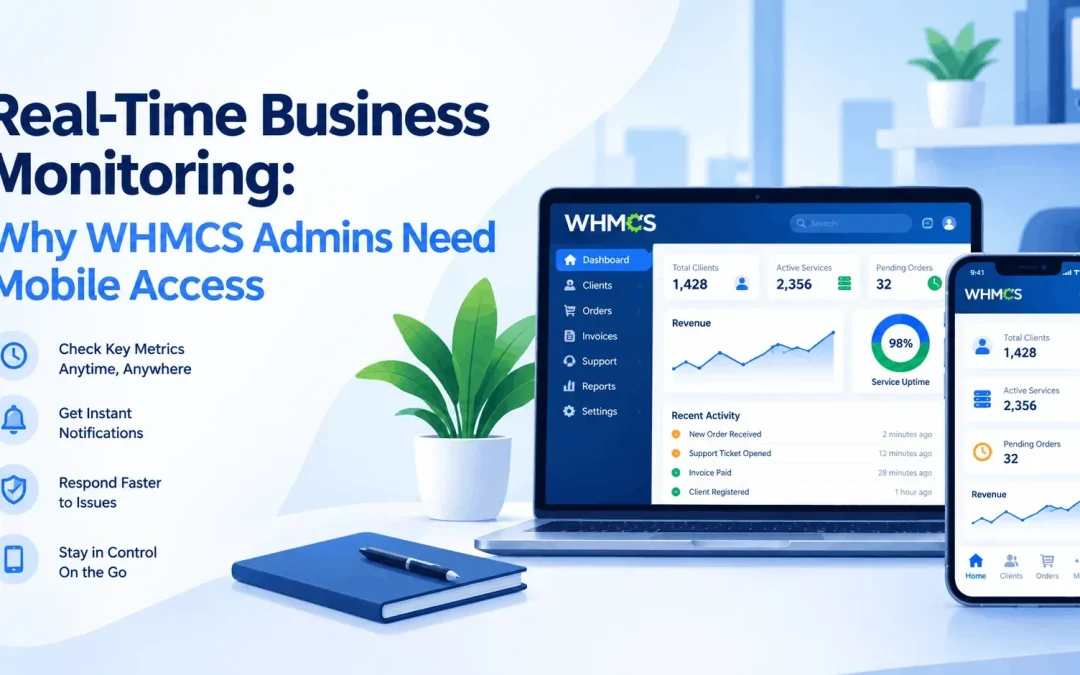
Running a hosting business on WHMCS means juggling invoices, tickets, client accounts, and payments all day. The problem is that most admins can only check on their business from a desktop. Step away from your laptop, and you're flying blind until you log back in.
That gap between "something happened" and "you found out" is where businesses lose money and frustrate customers. This is why a dedicated WHMCS Mobile App has become essential for anyone serious about running a hosting business efficiently.
What Does "Real-Time Business Monitoring" Mean?
Real-time monitoring means information reaches you the moment it happens, not hours later. For a WHMCS-powered business, that includes:
- A new invoice being generated
- A payment coming in, or failing
- A support ticket being opened
- A new client signing up
- Unusual activity, like an unrecognized admin login
Without this, you're relying on manually refreshing your WHMCS panel, which most people don't do all day. A mobile app turns this into a push notification, wherever you are.
Why Desktop-Only WHMCS Access Falls Short
WHMCS works well on a computer, but business doesn't stop when you close your laptop.
- No instant alerts — you must log in to know if anything changed
- Not practical for quick checks — opening a laptop for a 10-second glance is inconvenient
- Delayed ticket response — support delays hurt customer trust
- Missed payment failures — discovering one two days late can mean a lost client
For small teams where the owner is also the admin, these delays add up fast.
How a WHMCS Mobile App Changes the Game
This is the gap apps like SmartersX were built to close. SmartersX connects to your WHMCS installation through a secure add-on module, letting you manage your store from your phone instead of only a browser.
What It Typically Offers
- Real-time sales insights — daily, monthly, and yearly trends
- Instant notifications for new users, invoices, payments, and tickets
- Multi-store management from one app, useful for agencies
- Secure setup, often via an encrypted QR code instead of stored credentials
- Ticket and transaction overviews without opening the full panel
Pros and Cons
Pros:
- Faster reaction to sales and support activity
- Better oversight for owners managing operations on the go
- Less dependency on being at a desk
- Useful for agencies managing multiple WHMCS stores
Cons:
- A smaller screen isn't a full replacement for detailed admin work
- Requires installing an add-on module on your server
- Notification overload if not configured well
Who Actually Needs This?
- Solo hosting owners without a team watching the panel
- Agencies and resellers managing multiple WHMCS stores
- Support managers who need to know about tickets immediately
- Finance-focused admins tracking payment success in real time
Frequently Asked Questions
What is a WHMCS Mobile App?
A mobile application that connects to your WHMCS installation, letting you monitor sales, invoices, tickets, and client activity from your phone, often with push notifications for key events.
Is it safe to connect a mobile app to my WHMCS server?
Yes, if it uses a secure connection method. SmartersX uses a server-side add-on module paired through an encrypted QR code rather than storing your admin password in the app.
Can I manage more than one WHMCS store from one app?
Most modern apps, including SmartersX, support multi-store management, so agencies can switch between stores from a single dashboard instead of multiple logins.
Is it only useful for large businesses?
Not at all. It matters most for small teams and solo owners, where real-time alerts mean catching an issue immediately instead of hours later.
Final Thoughts
WHMCS remains the backbone of many hosting operations, but relying only on desktop access limits how fast admins can respond. A mobile-first tool like the SmartersX WHMCS Mobile App puts real-time sales data, payment alerts, and ticket notifications directly on your phone, so you're informed the moment something happens.