
How to Check Your WHMCS Sales Without Logging Into the Admin Area
Running a business on WHMCS often means keeping a close eye on your sales. But checking your revenue shouldn't require logging into the admin area every time you want a quick update.
Many WHMCS business owners have experienced the same situation: you're away from your desk, curious about today's sales, and the only way to find out is to open a browser, sign in to the admin panel, navigate through reports, and wait for everything to load. What should be a quick glance ends up taking several minutes.If you've ever checked your Real time WHMCS Analytics from your phone while traveling, between meetings, or simply because you wanted a quick update, there's a much easier way.
Why the WHMCS Admin Area Isn't Ideal for Quick Sales Checks
The WHMCS admin panel is designed to manage every aspect of your business—from clients and invoices to support tickets and server management. While it's an excellent administrative tool, it's not optimized for quickly viewing business performance.To check your sales, you typically need to:
- Log in to the admin area
- Navigate through multiple menus
- Open the reporting section
- Find the relevant sales report
Even on mobile devices, the experience remains largely the same. You're still working through a desktop-oriented interface when all you really want is a simple answer: How much have we sold today? For busy business owners, this process creates unnecessary friction.
A Simpler Way to Monitor WHMCS Sales
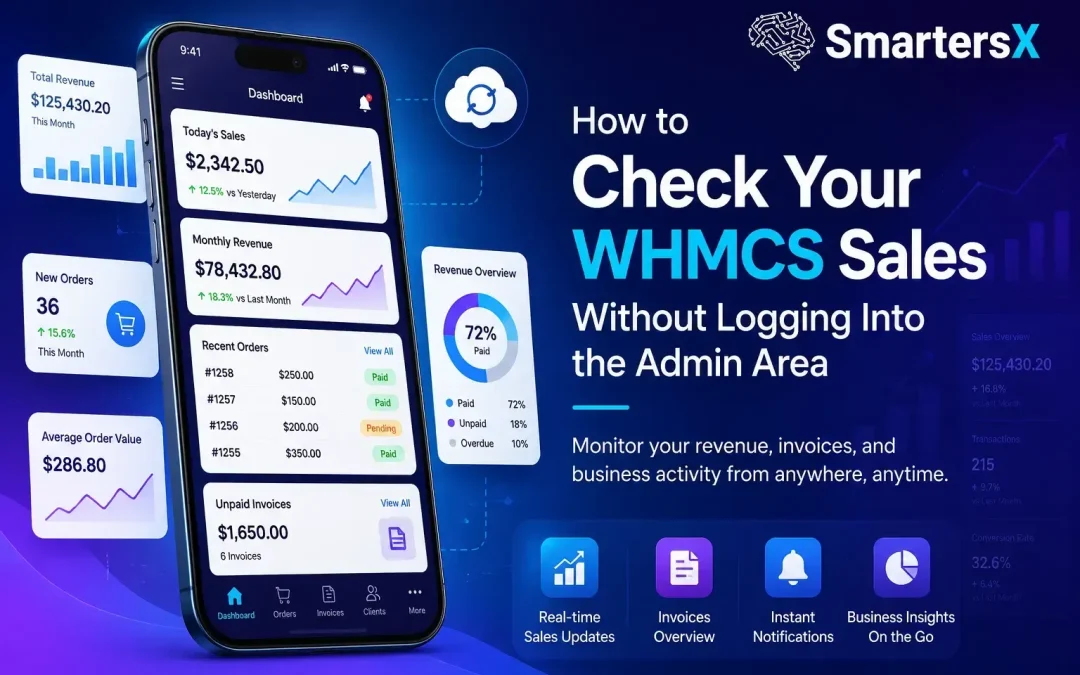
SmartersX was built specifically to solve this problem.Instead of recreating the entire WHMCS admin experience on your phone, SmartersX provides a clean, dedicated dashboard that focuses on the business metrics you actually care about.With SmartersX, you can instantly view:
- Today's Sales – Monitor today's revenue as soon as you open the app.
- Monthly Sales – Track your current month's performance at a glance.
- Yearly Sales – Stay informed about your annual growth.
- All-Time Sales – See the complete revenue history of your business.
- Recent Transactions – Review incoming payments without opening WHMCS.
- Real-Time Payment Notifications – Receive instant alerts whenever a payment is successfully completed.No menus. No reports. No unnecessary clicks.Just open the app and see exactly how your business is performing.
Getting Started Is Easy
Connecting SmartersX to your WHMCS installation takes only a few minutes.
- Install the SmartersX Connect module in your WHMCS admin area.
- Generate a secure pairing code or QR code.
- Download the SmartersX app for iOS or Android.
- Pair your WHMCS installation with the app.
- Enable PIN or biometric authentication for additional security.
- Start monitoring your business in real time.
The connection is secured using AES-256 encryption and mutual TLS authentication, ensuring your business data remains protected while remaining accessible wherever you are.
Perfect for Every WHMCS Business
SmartersX is designed for businesses that rely on WHMCS, including:
- Web Hosting Providers
- VPS & Dedicated Server Providers
- Domain Registrars
- VPN Companies
- SaaS Businesses
- Managed Service Providers
Whether you're managing one WHMCS installation or multiple stores, SmartersX lets you monitor everything from a single mobile app without switching between admin panels.
Spend Less Time Logging In, More Time Growing
Checking your sales should be effortless.Instead of opening the WHMCS admin area every time you're curious about your revenue, SmartersX gives you instant access to the numbers that matter most.It's built for business owners who want fast insights not another administrative task.
Download SmartersX for iOS or Android, connect your WHMCS installation in minutes, and start monitoring your sales anytime, anywhere.