
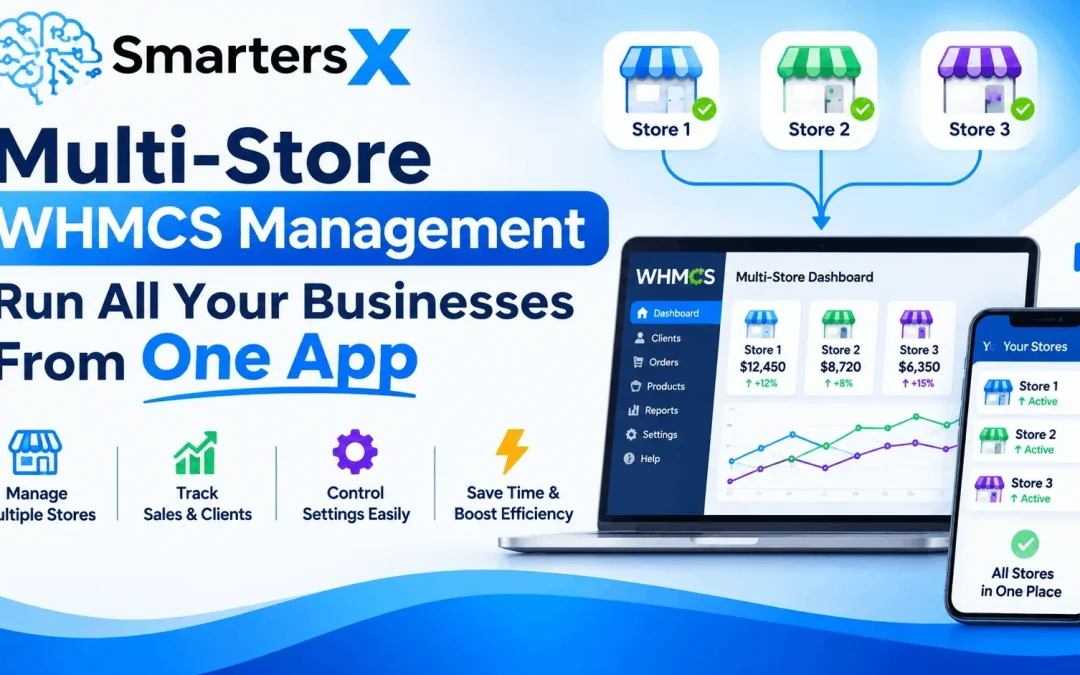
Multi-store WHMCS management means keeping track of more than one WHMCS business, such as separate brands, regions, or product lines, without logging in to each admin area one by one. There are two ways to do it. You can merge brands into a single installation, or keep separate installations and monitor them together. The right choice depends on how your businesses are set up.
What Does Multi-Store WHMCS Management Mean?
Two different setups often get mixed up:
- Multi-brand: one WHMCS installation serving several brands. Third-party modules such as ModulesStack Multibrand let customers log in to the client area of the brand they bought from, using a single installation.
- Multi-installation: separate WHMCS installs, each with its own database, admin login, and settings.
This guide focuses mainly on the second setup, because that's where daily monitoring becomes hard.
Why Multiple WHMCS Installations Are Hard to Manage
WHMCS community threads show the pain clearly. One owner described repeating upgrades and add-on installs on every installation, and searching several installations whenever a customer calls. Another, with entities in two countries, said that different taxes and payment methods made custom work necessary, and each WHMCS update took about a month to test.
Common problems include:
- No combined view of revenue
- Repeated logins just to check sales
- Missed payment or ticket alerts when you're away
- Shared admin passwords across a team
Your Options Compared
Option 1: One Installation With a Multi-Brand Module
Pros: one upgrade cycle, one customer database, one place to search.
Cons: separate legal entities, tax rules, or currencies can be hard to fit into one system. Older community threads also mention limits around branding and where emails and support come from. Check the current module documentation before committing.
Option 2: Separate Installations, Separate Logins
Pros: clean separation of data, taxes, and companies.
Cons: every check, update, and report is repeated for each store.
Option 3: Separate Installations Monitored From One App
WHMCS's own mobile apps let you create several connection profiles and switch between them, but they work only with self-hosted installations, not WHMCS Cloud. Third-party apps take a different approach. For example, is built around revenue monitoring: today's, monthly, and yearly sales, recent transactions, payment notifications, PIN or biometric lock, and multi-store support, all connected through its SmartersX Connect module.
Pros: fast checks, push alerts, one place for several stores.
Cons: monitoring tools complement the admin area rather than replace it. You also need to install a connector on each store, and most apps carry a subscription (SmartersX lists $49.99 per year on its site).
How to Choose
- Same company, similar tax and branding? A multi-brand module may reduce your workload.
- Different companies or countries? Separate installations are usually safer.
- Mainly need quick sales and payment visibility? A mobile app fits best.
- Need to edit products, servers, or settings? Use the admin area.
Many owners combine approaches, using an app for daily checks and the admin area for changes.
Common Mistakes to Avoid
- Sharing one admin login across the team. Create separate staff accounts instead.
- Delaying updates on a "small" store. Every installation needs patching.
- Skipping the lock. Use a PIN or biometrics on every device.
- Forgetting old devices. Remove access when a phone is lost or someone leaves.
- Expecting an app to do everything. Most are built for monitoring and quick actions.
Getting Started With SmartersX
- Install SmartersX Connect in each WHMCS admin area.
- Generate a QR or manual pairing code.
- Install the app and scan the code.
- Repeat for each store, then set a PIN or biometric lock.
Conclusion
Managing several WHMCS stores doesn't have to mean a dozen browser tabs. Merge brands into one installation when your businesses share rules and branding. Keep them separate when taxes, entities, or regions differ, and use a monitoring app for daily visibility. SmartersX is one option for the second path, so compare it with WHMCS's own apps before you decide.
Frequently Asked Questions (FAQs)
Is there a mobile app for WHMCS?
Yes. WHMCS provides official Android and iOS apps for self-hosted installations. Its documentation says WHMCS Cloud isn't currently supported. Third-party apps also exist, and some focus on revenue and payment monitoring rather than full admin tasks.
Is it safe to access WHMCS from a phone?
It can be, if you set it up carefully. Use a PIN or biometric lock, give each staff member their own admin account, and limit roles to what they need. Choose apps that encrypt data in transit and let you remove lost devices.
What should I do if I lose a phone with my WHMCS app?
Remove that device's access first, if your app or connector allows it. Then change the admin password and review recent activity logs. Acting quickly limits risk, so keep a short checklist for your team.
Can a mobile app replace the WHMCS admin area?
Not fully. Apps are great for checking sales, payments, and alerts. Deeper work, such as configuring products, servers, or modules, is still easier in the browser-based admin area.
Which numbers should I check every day?
Start with today's sales, recent payments, failed payments, overdue invoices, and open support tickets. These show whether money is flowing and whether customers need help, and checking them takes only a few minutes.