
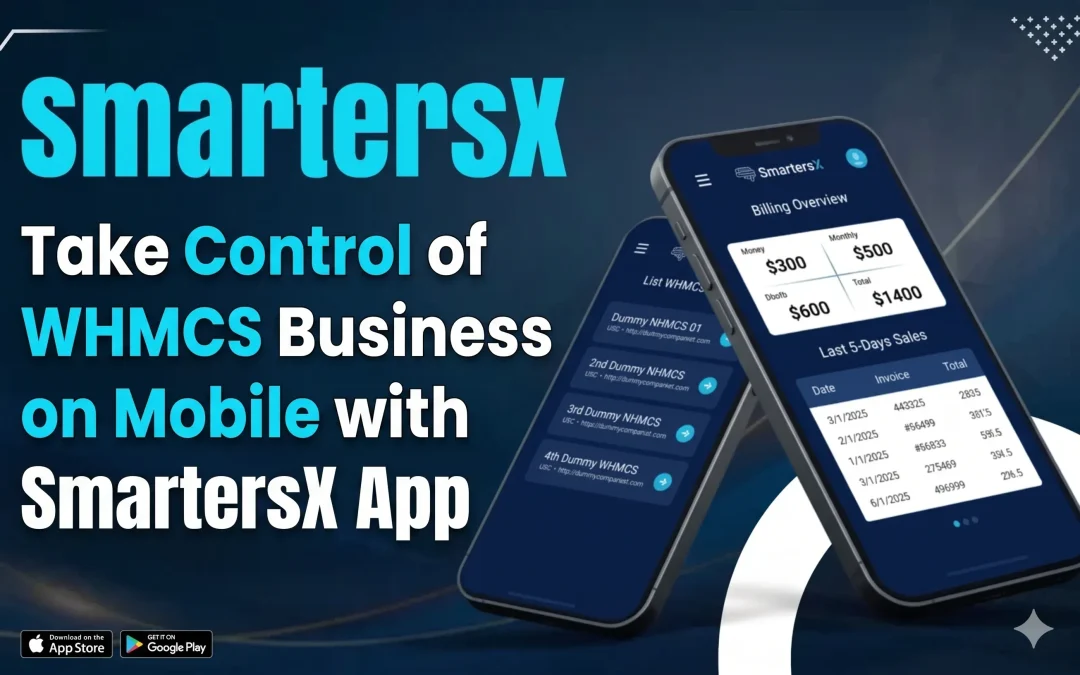
Managing a web hosting or digital services business today requires speed, flexibility, and constant monitoring. Traditionally, WHMCS (Web Host Manager Complete Solution) has been the go-to platform for automating billing, client management, and support. However, relying only on desktop access can slow you down—especially when urgent issues arise outside working hours.
This is where mobile solutions like the WHMCS Admin App step in, helping business owners stay connected and in control anytime, anywhere.
What is WHMCS and Why Mobile Access Matters
Understanding WHMCS
WHMCS is an automation platform widely used by hosting companies and SaaS providers. It helps manage:
- Client accounts
- Billing and invoicing
- Support tickets
- Domain and hosting services
While powerful, WHMCS is primarily designed for desktop use, which can limit responsiveness in real-time situations.
The Growing Need for Mobile Management
In today’s fast-paced digital environment:
- Customers expect instant responses
- Downtime issues need quick action
- Business owners are often on the move
A mobile app bridges this gap by offering real-time access and control without needing a laptop.
Introducing SmartersX App for WHMCS Businesses
The SmartersX App is designed to extend WHMCS functionality to mobile devices, making it easier for business owners, resellers, and support teams to manage operations efficiently.
Instead of being tied to a desk, users can monitor and manage their business directly from their smartphones.
Key Features of SmartersX App
Real-Time Notifications
Stay updated instantly with alerts for:
- New orders
- Support tickets
- Payments and invoices
This helps you respond quickly and maintain strong customer satisfaction.
Client Management on the Go
You can:
- View client details
- Manage services
- Track account activity
This is especially useful for businesses handling a large customer base.
Support Ticket Handling
Quickly respond to customer queries without delay:
- Assign tickets
- Reply instantly
- Monitor ticket status
Billing and Invoice Tracking
Keep an eye on your finances:
- Check paid/unpaid invoices
- Monitor revenue flow
- Reduce missed payments
Benefits of Using a Mobile WHMCS App
Faster Response Time
Mobile access allows you to handle urgent issues instantly, improving customer experience.
Increased Productivity
You don’t need to wait until you’re at your desk—tasks can be completed anytime.
Better Business Control
Real-time insights help you make faster decisions, especially during critical situations.
Flexibility for Teams
Remote teams can collaborate more effectively without being location-dependent.
Pros and Cons of Mobile WHMCS Solutions
Pros
- Easy access from anywhere
- Faster customer support
- Improved operational efficiency
- Real-time business monitoring
Cons
- Limited functionality compared to desktop (in some apps)
- A smaller screen may affect usability
- Dependence on internet connectivity
SmartersX vs Traditional WHMCS Access
Traditional WHMCS (Desktop)
Pros:
- Full feature access
- Better for complex tasks
Cons:
- Not accessible on the go
- Slower response time for urgent issues
SmartersX App (Mobile)
Pros:
- Instant access anywhere
- Faster communication with clients
- Real-time updates
Cons:
- May not replace the desktop entirely for advanced configurations
👉 Best approach: Use both together—desktop for detailed work and mobile for real-time management.
Real-World Use Case
Imagine a hosting provider based in India managing global clients. A server issue occurs late at night. Without mobile access, the response could be delayed.
With a mobile app like SmartersX:
- The issue is detected instantly via notification
- A support ticket is reviewed immediately
- The client receives a quick response
This reduces downtime impact and builds trust.
Tips to Maximize Efficiency with Mobile WHMCS Apps
- Enable push notifications for all critical updates
- Regularly monitor tickets and invoices
- Use mobile for quick actions, not complex setups
- Combine with desktop usage for full control
Final Thoughts
The shift toward mobile-first business management is no longer optional—it’s essential. While WHMCS remains a powerful platform, adding a mobile solution like the SmartersX App enhances its usability and responsiveness.
Instead of choosing between desktop and mobile, the smartest strategy is to integrate both. This allows you to stay productive, responsive, and competitive in an industry where timing and service quality matter most.
By adopting mobile tools, WHMCS businesses can not only improve efficiency but also deliver a better overall customer experience—something that directly impacts growth and retention.